The complete prompt
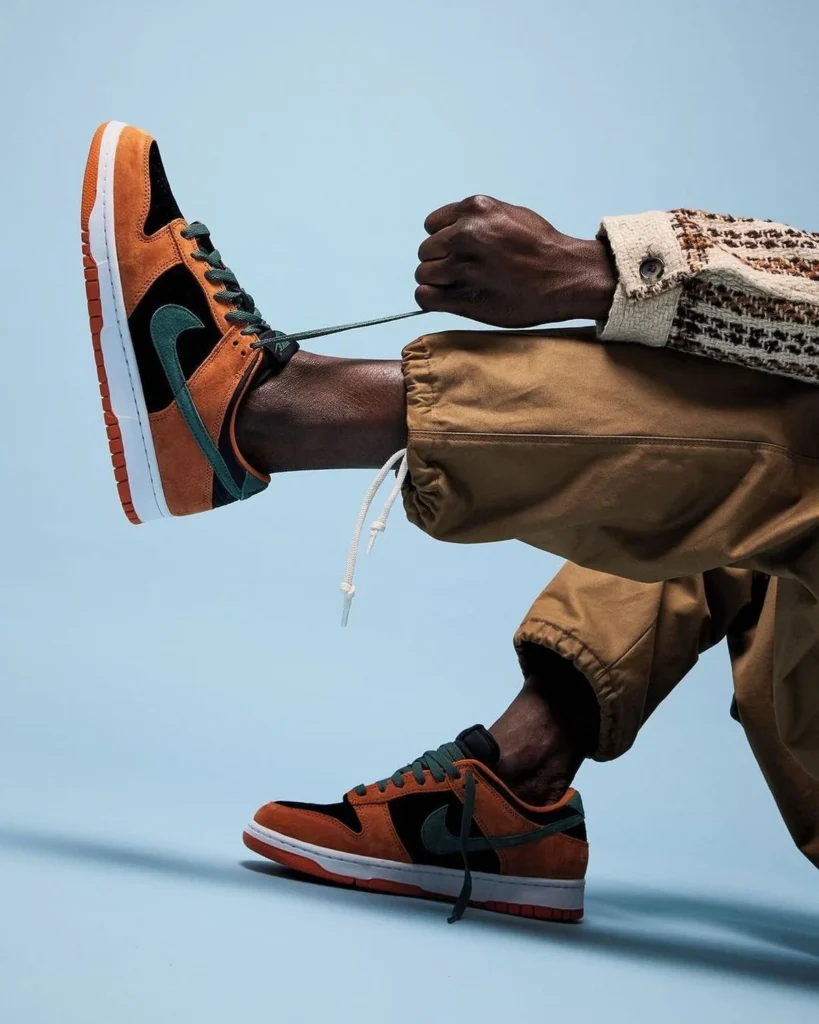
Create a premium fashion-product campaign featuring [YOUR PRODUCT] being worn or handled by [MODEL DESCRIPTION] in a minimalist studio. Show only the lower body and one forearm or hand. Pose the model seated or crouched with one leg raised horizontally toward the left while the other rests naturally on the floor. Make the raised product the hero, displayed in a clear side-profile view. The hand should interact with one functional part of the product, such as pulling a lace, adjusting a strap, fastening a clasp or holding a handle, creating a strong diagonal tension line toward the upper-right. Preserve the exact uploaded design, colours, materials, logo, stitching, closure details and proportions. Style the model in [OUTFIT DESCRIPTION] with colours that harmonize with the product without covering it. Use a seamless [BACKGROUND COLOUR] studio background and matching floor with a subtle horizon gradient. Add soft directional light, realistic skin and fabric texture, clean shadows and crisp product highlights. Contemporary streetwear editorial, asymmetrical composition, moderate depth of field, natural anatomy, photorealistic, ultra-detailed, vertical 4:5.NEGATIVE PROMPTChanged product, mismatched pair, extra hands or fingers, disconnected limbs, unnatural pose, impossible strap or lace tension, covered product, plastic-looking skin, text, logos added to background or watermark.
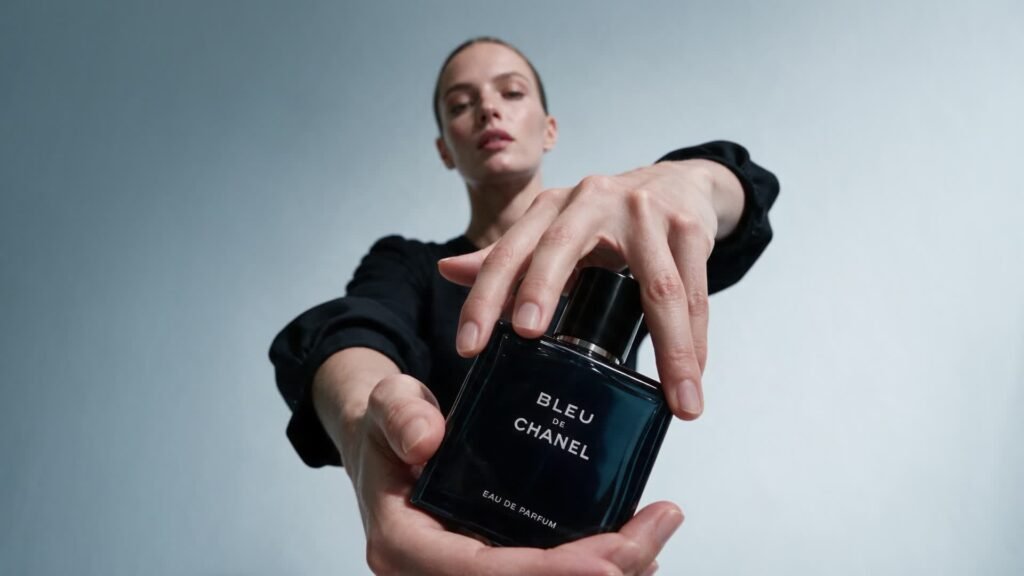
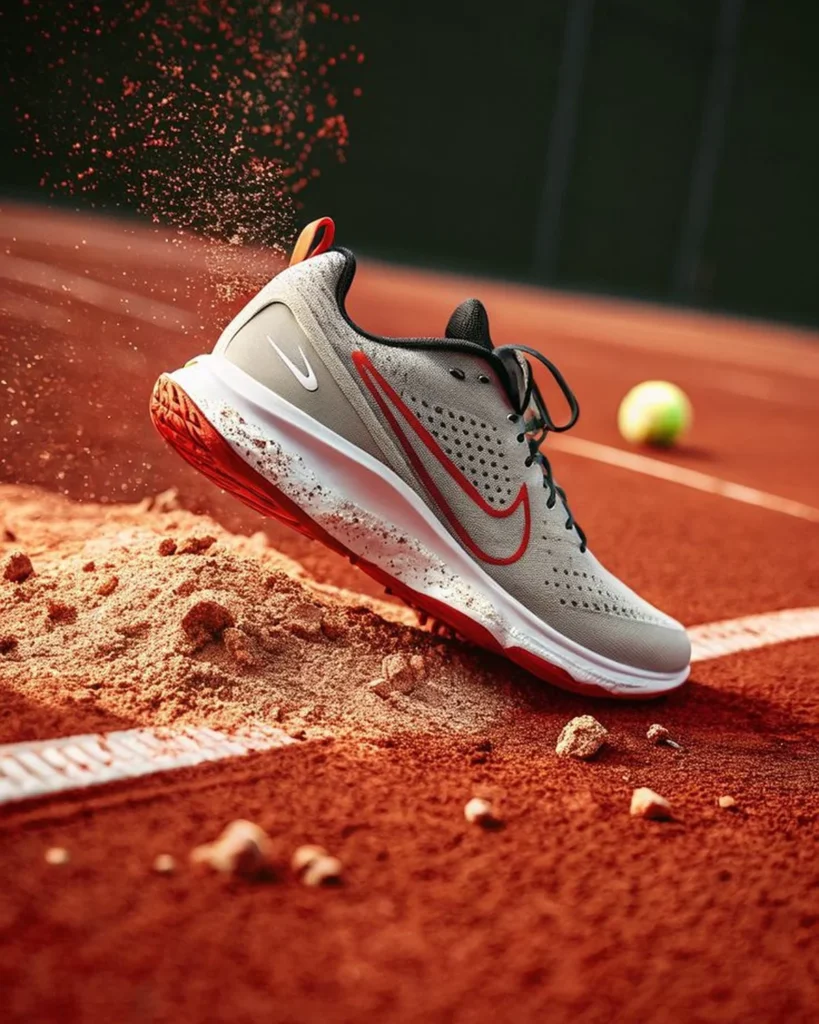
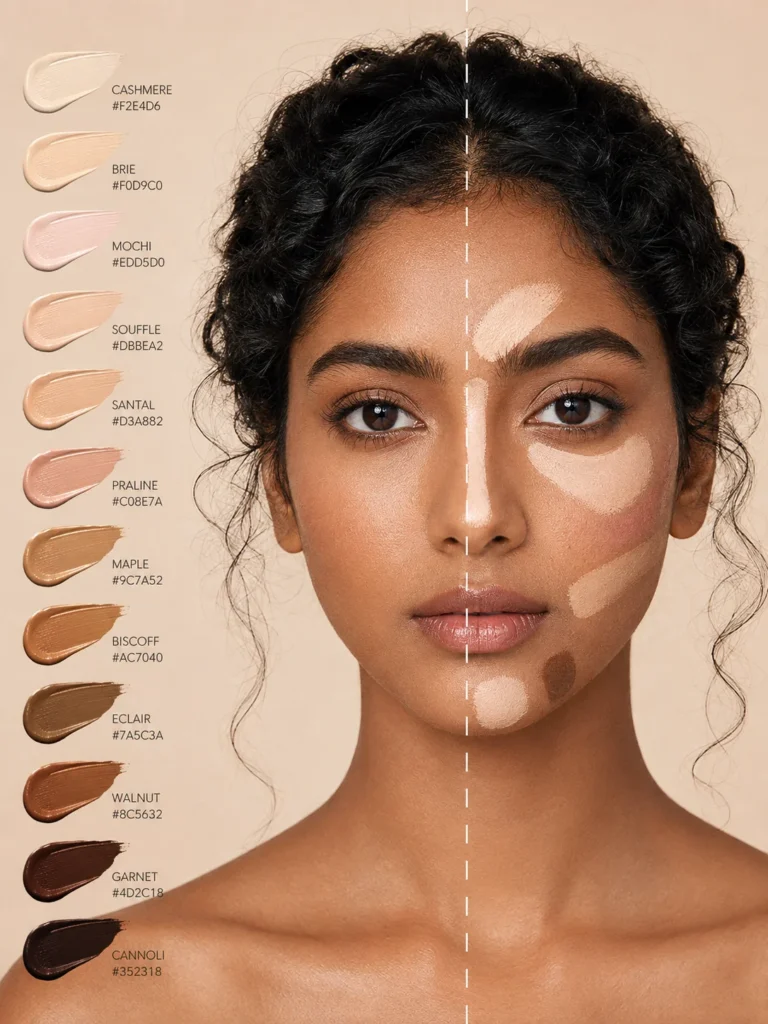
Illustrative visual reference selected from the saved archive, not a verified output of this exact prompt. References may show a different product or be shared across related directions.
How to use it
- Upload the exact product, dish, garment or model reference requested by the prompt.
- Replace bracketed variables with your own product details. Keep identity and packaging locks intact.
- Set the aspect ratio in your chosen tool; retain the camera, light and material directions.
- Review product accuracy, labels, anatomy and texture at full size. Refine one variable at a time.