The complete prompt
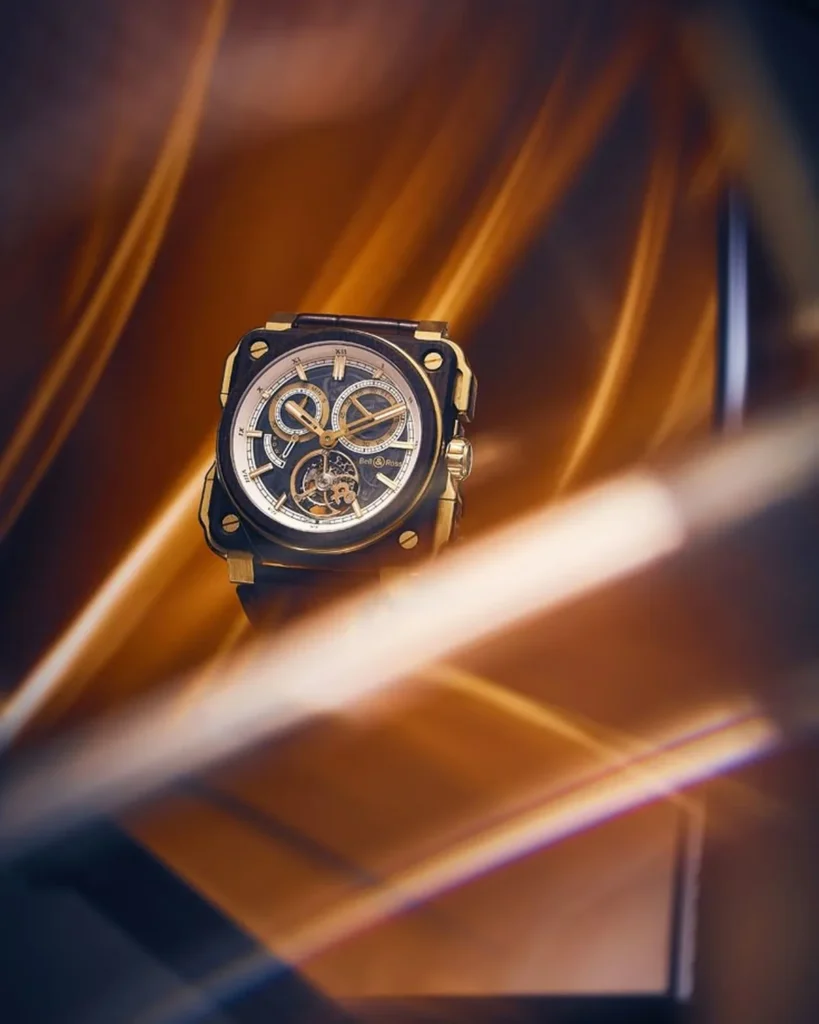
Create a luxury cinematic advertising image featuring [YOUR PRODUCT] as the hero object inside an abstract sculptural environment inspired by flowing metal, molten light and premium architecture. Position the product upright in the centre-left, facing slightly toward the camera in a refined three-quarter view. Keep [HERO SURFACE] fully visible and tack-sharp. Preserve the uploaded product exactly, including shape, finish, dial or label, logo, buttons, crown, cap, hardware, stitching and proportions. Surround it with oversized curved surfaces resembling folded metallic ribbons, polished [METAL COLOUR] architecture or satin-metal sculptures. Add deep [CONTRAST COLOUR] shadows for separation. Include one bright, soft-focus luminous streak crossing diagonally through the lower foreground without covering critical details, plus subtle linear reflections and glowing edges for depth. Use warm directional key light, golden rim lighting, controlled highlights on metal and glass, deep cinematic shadows, restrained haze and soft bloom. Slightly low camera angle, shallow depth of field, sophisticated luxury campaign, photorealistic reflections and refraction, crisp micro-detail, ultra-detailed, vertical 2:3.NEGATIVE PROMPTInaccurate dial or label, changed finish, duplicated product, harsh glare covering details, cheap plastic surfaces, excessive blur, random props, people, hands, added copy, logo overlay or watermark.
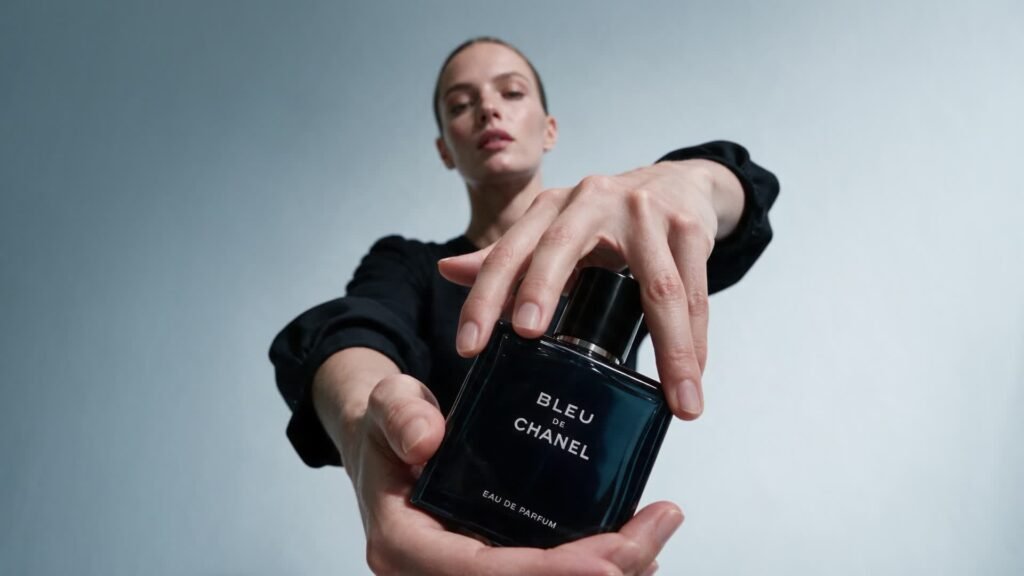
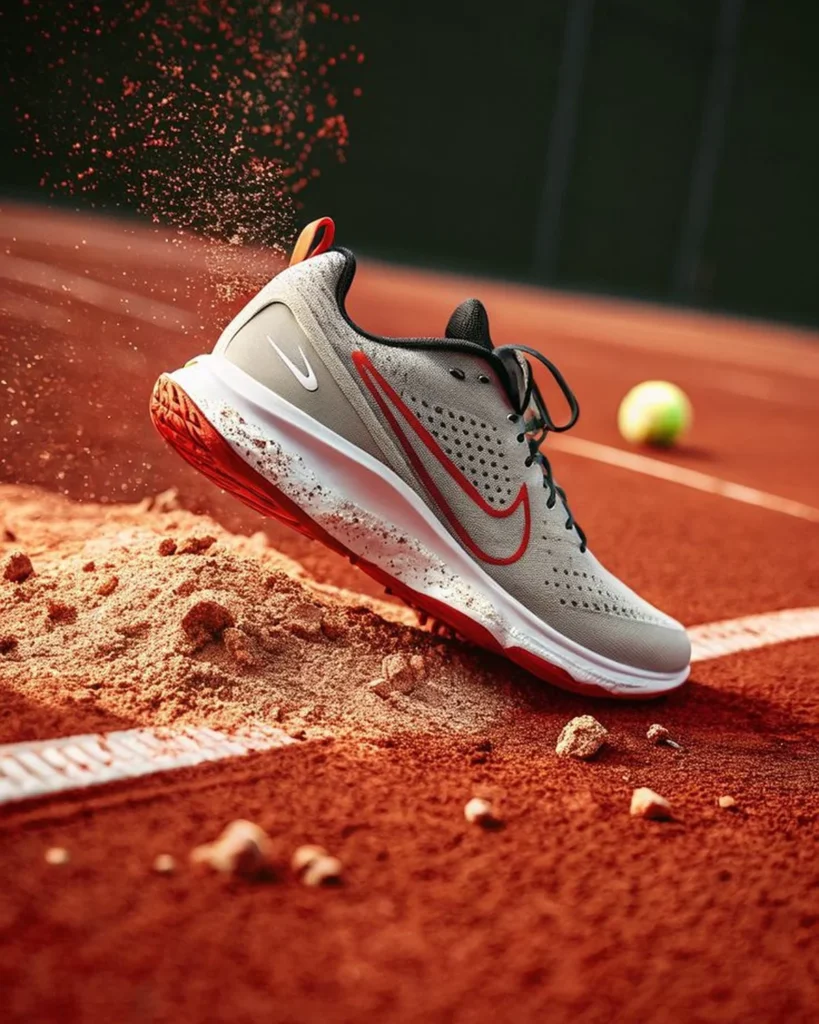
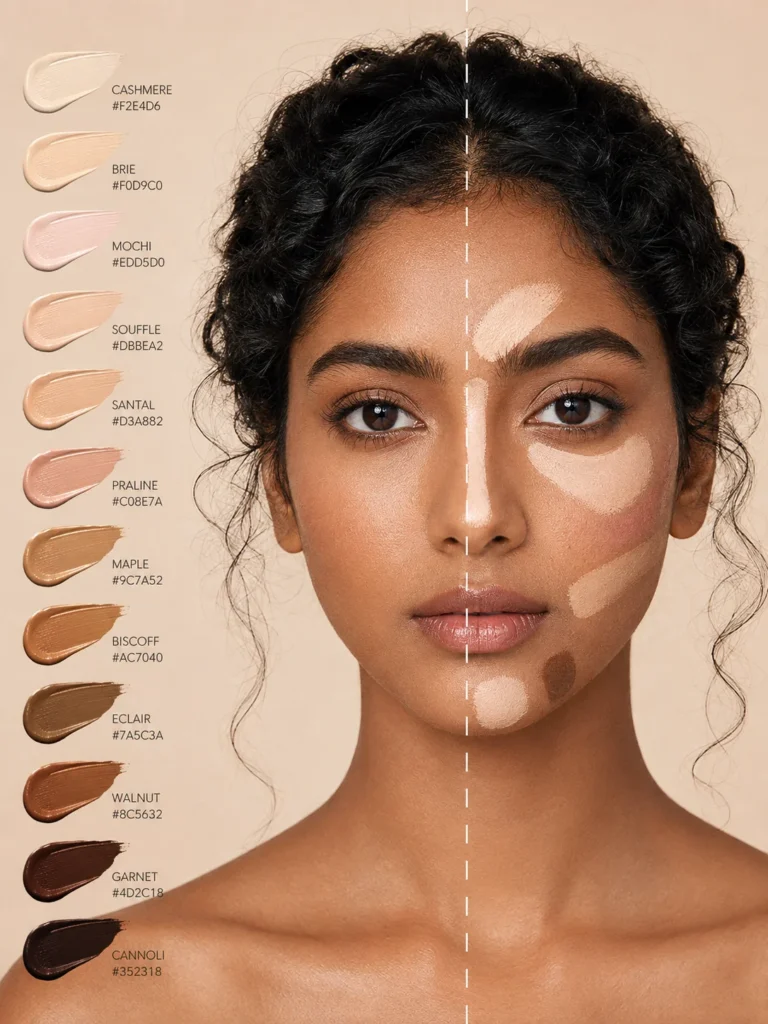
Illustrative visual reference selected from the saved archive, not a verified output of this exact prompt. References may show a different product or be shared across related directions.
How to use it
- Upload the exact product, dish, garment or model reference requested by the prompt.
- Replace bracketed variables with your own product details. Keep identity and packaging locks intact.
- Set the aspect ratio in your chosen tool; retain the camera, light and material directions.
- Review product accuracy, labels, anatomy and texture at full size. Refine one variable at a time.