The complete prompt
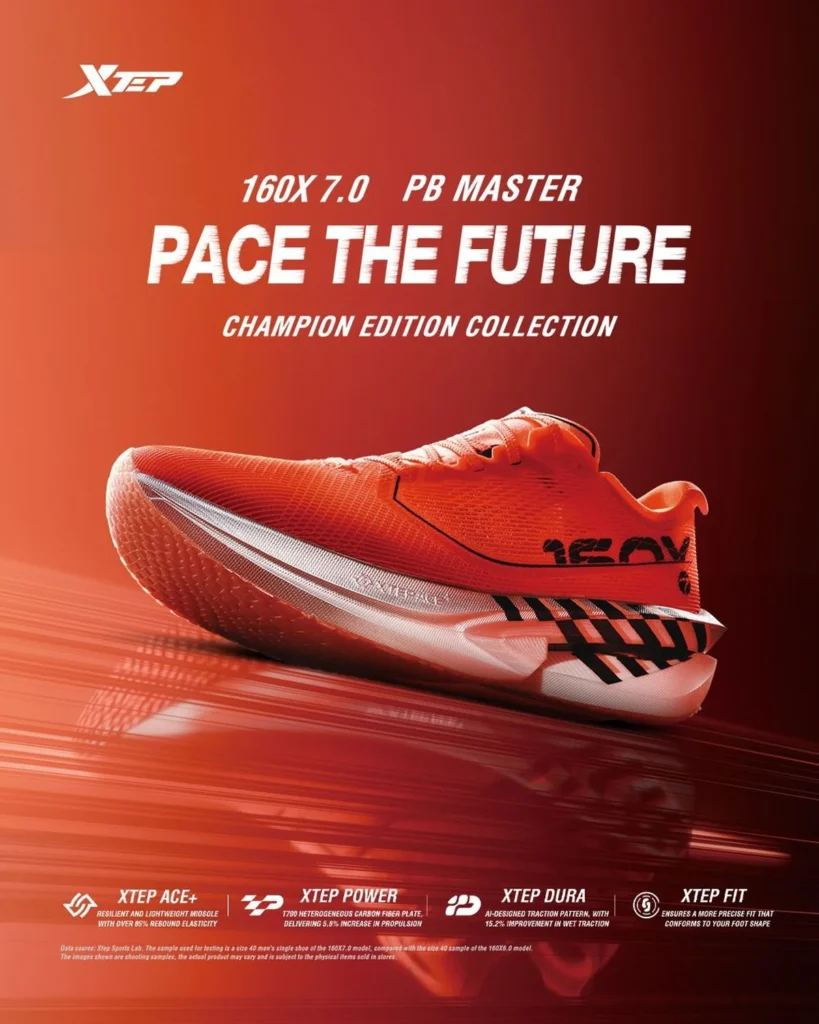
Create a premium futuristic product-advertising image featuring [YOUR PRODUCT] as the sole hero object. Place it across the lower-middle of the frame in a clean side-profile or three-quarter view, angled slightly upward to create a fast, aerodynamic silhouette. Make the product large, dominant and perfectly sharp. Preserve the exact uploaded design, colours, textures, logo, labels, construction and proportions with no redesign or invented parts. Build a monochromatic studio environment derived from [MAIN PRODUCT COLOUR], using a smooth gradient from a bright illuminated tone in the upper-left to a deep shadowed tone on the right, with subtle [SECONDARY COLOUR] accents. Place the product on a glossy reflective floor with a controlled, slightly softened reflection. Introduce abstract horizontal speed trails, stretched light streaks and layered motion lines across the lower background and floor, suggesting acceleration without obscuring the product. Use strong directional rim light, crisp highlights across upper surfaces, controlled shadows underneath and realistic reflections on metal, glass, fabric or plastic. Leave generous clean negative space in the upper half. Sleek performance-technology campaign, high contrast, photorealistic materials, premium commercial finish, ultra-detailed, vertical 4:5.NEGATIVE PROMPTChanged colours, distorted shape, duplicated product, invented components, excessive glare, product blur, cluttered background, fake branding, added headline, specifications, icons, badges or watermark.
Illustrative visual reference selected from the saved archive, not a verified output of this exact prompt. References may show a different product or be shared across related directions.
How to use it
- Upload the exact product, dish, garment or model reference requested by the prompt.
- Replace bracketed variables with your own product details. Keep identity and packaging locks intact.
- Set the aspect ratio in your chosen tool; retain the camera, light and material directions.
- Review product accuracy, labels, anatomy and texture at full size. Refine one variable at a time.