The complete prompt
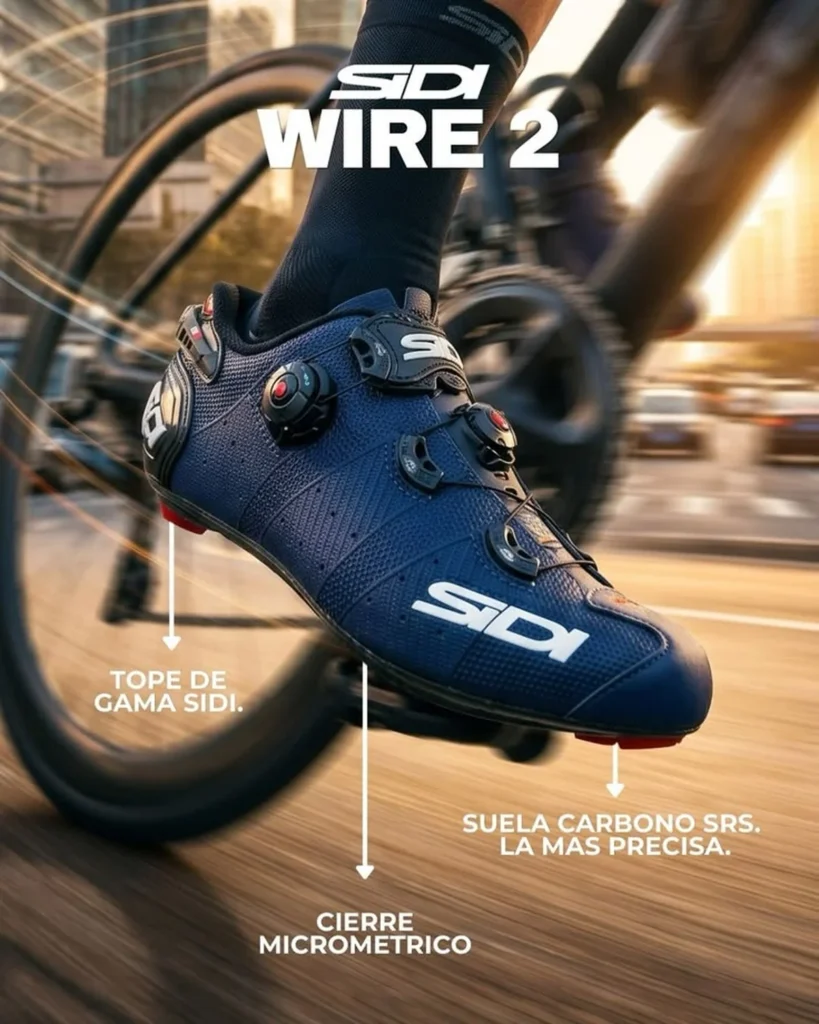
Create a high-energy cinematic sports advertising photograph featuring [YOUR PRODUCT] being actively used by [ATHLETE DESCRIPTION] during [SPORT OR ACTIVITY]. Use an extreme close-up, low-angle tracking shot, with the product dominating the foreground and appearing large, powerful, perfectly sharp and highly detailed. Show only enough of the athlete and sports equipment in the background to make the real-world use immediately clear. Preserve the exact uploaded product design, including its original construction, colour, materials, stitching, hardware, proportions, logo and existing printed branding. Capture intense forward movement with spinning equipment, streaked ground, subtle radial motion blur and a softly blurred [LOCATION], while keeping the product itself tack-sharp. Use warm golden-hour light from behind and to the side, creating realistic rim lighting, crisp surface highlights, dramatic shadows and a restrained natural lens flare. Build a dynamic diagonal composition with the product in the centre-lower foreground, the athlete extending upward and strong perspective distortion from a 28-35mm action lens. Premium professional sports campaign, realistic anatomy, believable product interaction, tactile micro-textures, fast-shutter clarity, photorealistic, ultra-detailed, vertical 3:4.NEGATIVE PROMPTAltered product, wrong branding, floating product, incorrect foot placement, deformed anatomy, extra limbs, duplicate equipment, blurry product, fake materials, excessive motion blur, added text, arrows, labels or watermark.
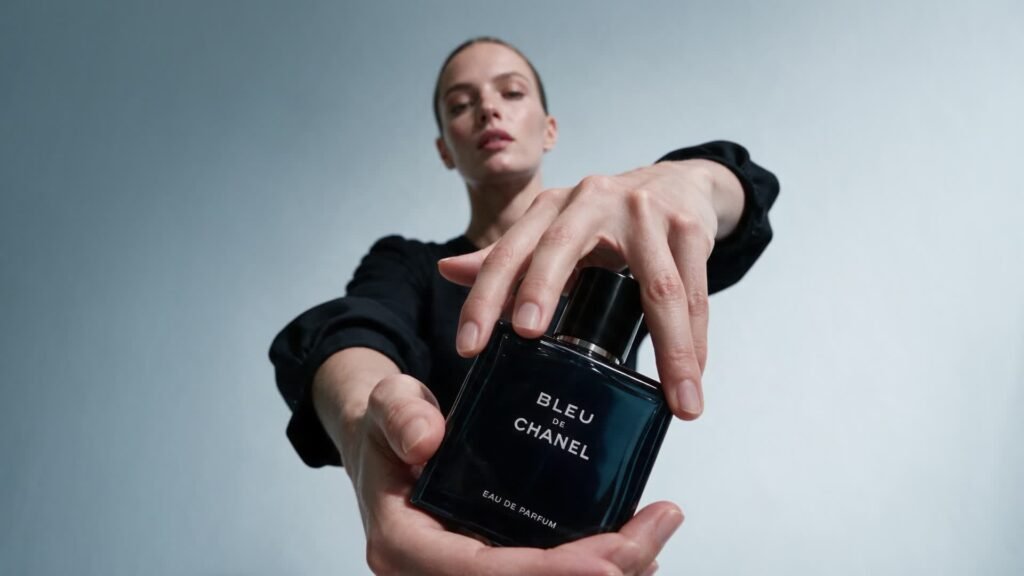
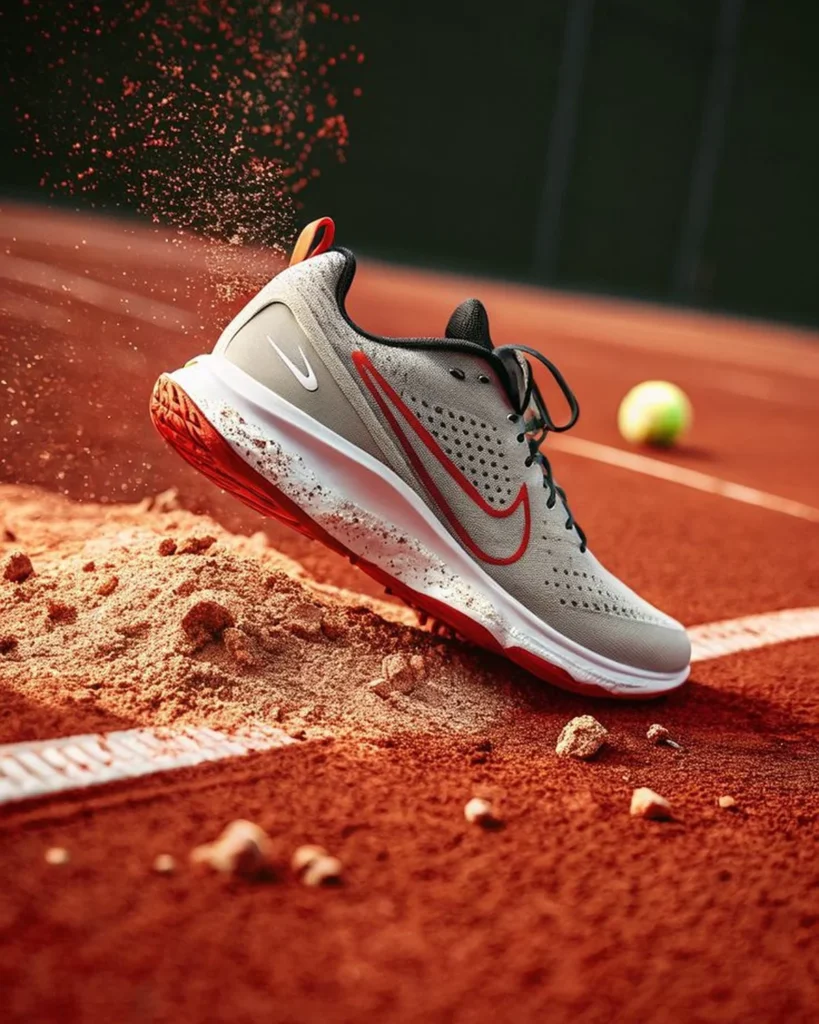
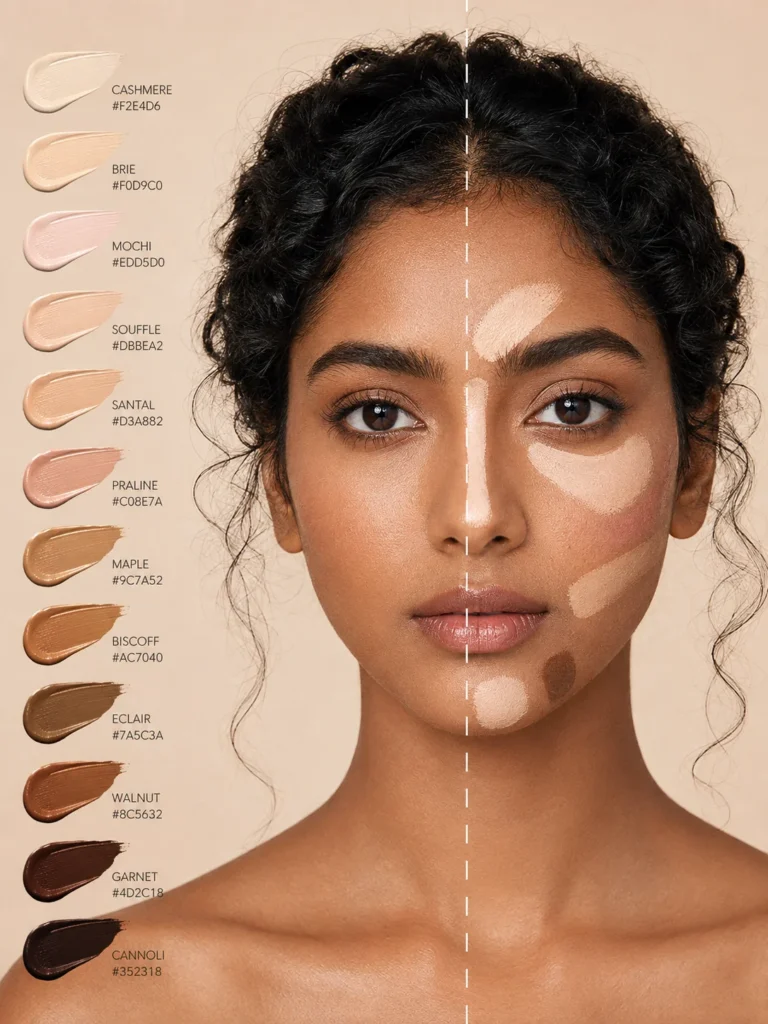
Illustrative visual reference selected from the saved archive, not a verified output of this exact prompt. References may show a different product or be shared across related directions.
How to use it
- Upload the exact product, dish, garment or model reference requested by the prompt.
- Replace bracketed variables with your own product details. Keep identity and packaging locks intact.
- Set the aspect ratio in your chosen tool; retain the camera, light and material directions.
- Review product accuracy, labels, anatomy and texture at full size. Refine one variable at a time.